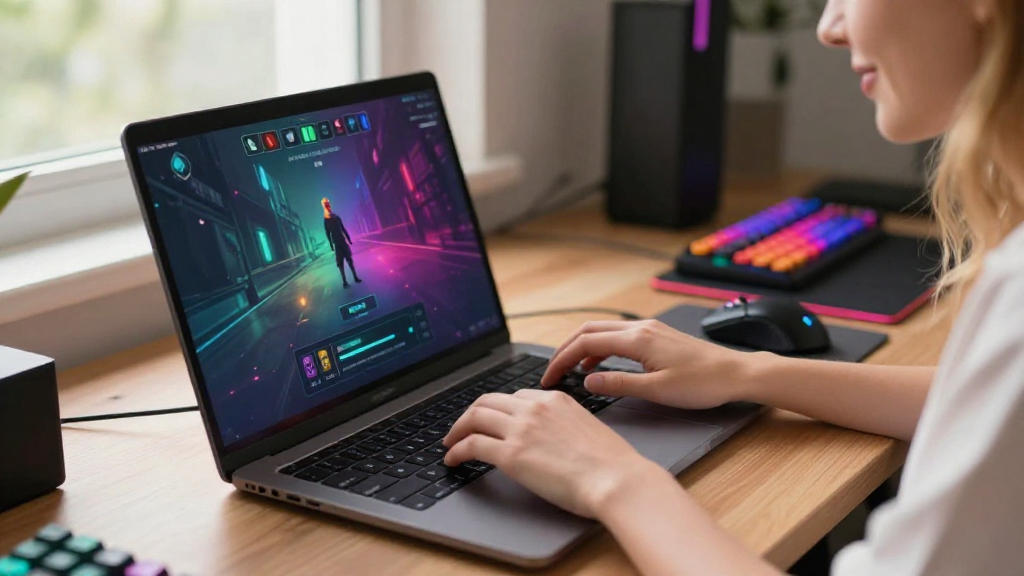
If you’re looking to enhance your typing skills, understanding how to play typing games can be a game changer.
Typing games not only make learning fun but also efficient. In this article, we’ll explore various strategies to effectively engage with typing games to boost your speed and accuracy.
What Are Typing Games?
Typing games are interactive platforms designed to teach and improve typing skills in a fun and engaging manner.
These games range from simple exercises focused on letters and words to complex scenarios involving complete sentences and paragraphs.
Their primary objective is to elevate a player’s typing speed and accuracy through repetitive practice and competition.
How Can Typing Games Improve Your Speed?
When you’re wondering how to play typing games effectively, it’s essential to understand their benefits:
- Practice Makes Perfect: Regular play helps in reinforcing muscle memory.
- Instant Feedback: Players receive real-time feedback on their performance, which helps identify areas for improvement.
- Engagement: The competitive elements in games often motivate players to practice more consistently.
What Are the Best Typing Games to Play?
To get started on your journey to quicker typing, here are some of the best typing games available:
-
Typing.com
– Offers a comprehensive curriculum for all skill levels.
– Features short games and lessons that help reinforce concepts. -
Nitrotype
– A racing game where you compete against others by typing quotes accurately and quickly.
– Fun and competitive, ideal for improving speed under pressure. -
TypeRacer
– Type out passages as quickly as possible in a race against others.
– It’s an effective way to build speed while experiencing the thrill of competition. -
Keybr
– Offers structured lessons and adjusts difficulty based on your performance.
– Great for developing touch typing skills and increasing speed. -
10FastFingers
– Simple typing tests that gauge your speed and accuracy.
– A straightforward way to measure your progress over time.
How Do You Start Playing Typing Games?
To maximize your time and effort while playing typing games, here’s how to get started:
-
Choose the Right Game:
– Select a typing game that matches your current skill level.
– Beginners might prefer simpler games, while advanced players can opt for competitive ones. -
Set Goals:
– Establish personal goals (like achieving a certain WPM – words per minute).
– Having a target can keep you motivated and focused. -
Schedule Your Practice:
– Dedicate time daily or weekly specifically for typing games.
– Consistency is key to making progress. -
Track Your Progress:
– Many typing games offer analytics to track your speed and accuracy.
– Use this data to identify areas needing improvement. -
Stay Relaxed:
– Tension can slow you down.
– Maintain a relaxed posture and keep your hands comfortable.
Why Is Accuracy Important in Typing Games?
When you are learning how to play typing games, it’s crucial to recognize the significance of accuracy.
- Speed vs. Accuracy: Focus on accuracy first. Fast typists are often accurate typists.
- Building a Strong Foundation: Good habits learned early on lead to better long-term results.
What Strategies Help Increase Typing Speed?
Here are some vital strategies to employ while you engage in typing games:
-
Proper Finger Placement:
– Familiarize yourself with the home row keys.
– Use all ten fingers instead of just a few. -
Touch Typing Techniques:
– Enable touch typing to improve speed without looking at the keyboard.
– Practice gradually increasing your speed. -
Use Keyboard Shortcuts:
– Learn common shortcuts to enhance your typing efficiency.
– This can help reduce time spent on repetitive tasks. -
Practice Typing Common Words:
– Focus on frequently used words in your typing practice.
– This will help increase your speed during regular typing tasks. -
Engage in Regular Breaks:
– Give your fingers and mind a rest to avoid fatigue.
– Short breaks can help maintain focus and effectiveness during typing practice.
How Do Typing Games Cater to Different Skill Levels?
One of the significant advantages of typing games is their ability to adapt to various skill levels.
- Beginners:
-
Games designed for newcomers focus on basic letter placement and simple words.
-
Intermediate Players:
-
Here, players might engage with sentences or timed challenges to build speed and accuracy.
-
Advanced Players:
- Competitive typing games often attract advanced typists who wish to race against their peers.
- These games require quick thinking and flawless accuracy.
What Are Common Mistakes to Avoid While Playing?
When learning how to play typing games, awareness of potential pitfalls can greatly enhance your learning process:
- Not Reviewing Incorrect Words: Always take time to analyze where you went wrong.
- Ignoring Finger Placement: Failing to use the correct finger positioning can hinder speed.
- Overlooking Warm-Up Exercises: Always warm up before diving into intense typing sessions.
How Do You Maintain Consistency?
Getting better requires consistent practice, so establishing a routine is essential.
- Set a Daily or Weekly Schedule: Find a specific time that works for you.
- Track Your Progress: Use best scores and averages to keep yourself accountable.
- Engage with Others: Join typing groups or online forums for motivation and tips.
Conclusion
Learning how to play typing games can significantly enhance your typing speed and accuracy.
With consistent practice and the right techniques, anyone can become a proficient typist.
Choose the right games, set achievable goals, and have fun while boosting your skills!
By incorporating effective practices, tracking your progress, and engaging with a variety of games, you can enjoy a rewarding journey toward mastering the keyboard.
So, what are you waiting for? Get out there and start typing your way to speed and proficiency!
