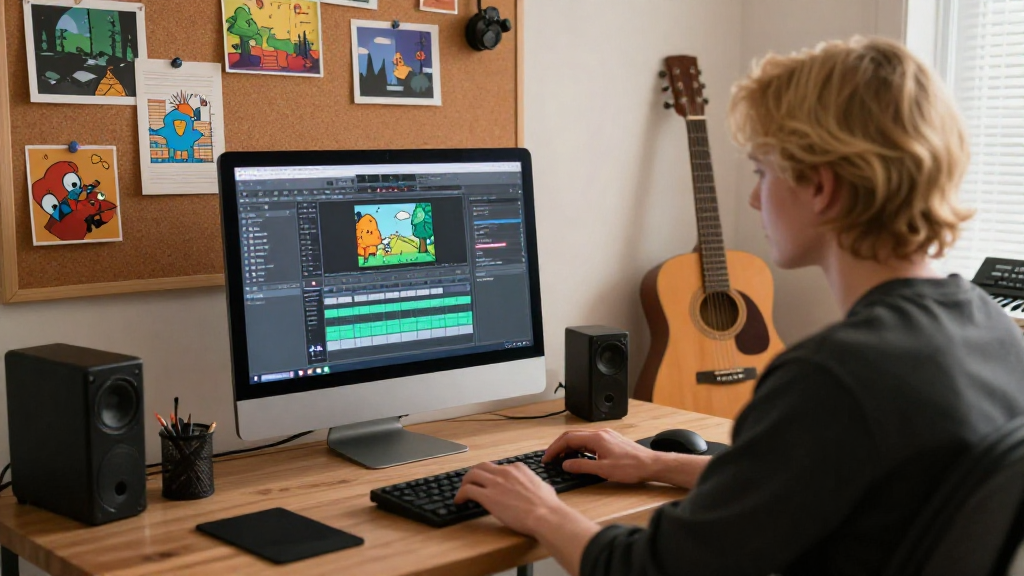
Are you interested in how to add music to a game without diving into complex coding?
You’re not alone! Many aspiring game developers seek simple and effective methods to enhance their game’s atmosphere.
In this article, we will explore various ways you can add music to your game seamlessly.
We’ll look at user-friendly tools and platforms, ensuring that even those with minimal technical expertise can easily follow along.
Why Is Music Important in Games?
Music plays a critical role in shaping the gameplay experience.
Here are a few reasons why adding music to your game should be a priority:
- Enhances Emotional Impact: Music can create tension, excitement, or calm, which impacts how players feel.
- Sets the Atmosphere: It can transport players to different worlds or scenarios, enhancing immersion.
- Guides Player Actions: Certain musical cues can signal changes in gameplay, alerting players to what’s coming next.
With such importance placed on music, it’s essential to understand how to add music to a game effectively.
What Are the Best Tools to Add Music to Your Game?
To easily add music without coding, there are multiple tools available.
Here are some of the best tools and platforms that can help you integrate music into your game:
1. Game Development Engines
Many game engines come with built-in audio features.
Here are a few popular ones:
-
Unity: Enables you to import audio files directly into your project.
You can control the playback and volume using the Inspector without writing a single line of code. -
Unreal Engine: Utilizes a visual scripting interface (Blueprints), allowing you to add music by dragging and dropping audio assets.
2. Sound Design Software
If you prefer to customize your music, consider sound design software.
Here’s how you can make music without coding:
- FL Studio: Create, edit, and export music files that can be easily imported into your game.
- GarageBand: Ideal for Mac users, this software enables you to compose and record music effortlessly.
3. Music Libraries
Utilizing royalty-free music libraries can also be an excellent option.
They provide ready-made soundtracks that you can integrate into your game. Consider these resources:
- Free Music Archive: A vast collection of music that’s free for use in games.
- Incompetech: Provides original soundtracks composed by Kevin MacLeod under Creative Commons licenses.
How Can You Integrate Music in Your Game?
Once you have selected a tool or music source, it’s time to learn how to add music to a game.
Here’s a step-by-step guide:
Step 1: Choose Your Music Track
Select the track that suits your game’s mood and themes.
Ensure it aligns with the overall story and style of your game.
Step 2: Import the Music
Depending on the game engine or software you are using, the process varies:
-
For Unity:
1. Drag and drop your audio file into the “Assets” folder.
2. Create an Audio Source component in your scene.
3. Attach your audio file to the Audio Source. -
For Unreal Engine:
1. Import your audio file into the Content Browser.
2. Create a Sound Cue and place it in your level.
3. Attach the Sound Cue to an Actor or a Level Blueprint.
Step 3: Set Up Playback Logic
Just a few settings can manage music playback:
- Looping: Decide if you want the music to play continuously or stop at specific points.
- Volume Control: Adjust the volume settings to ensure the music complements the game’s sound effects.
Step 4: Test Your Game
Once you’ve added the music, playtest your game!
Make sure the music aligns well with gameplay and adjust accordingly.
Can You Use Music from YouTube?
Many aspire to use popular tracks from YouTube.
However, it’s vital to understand copyright issues before considering this method.
Using copyrighted music can lead to your game being flagged or removed.
- Always check licensing information: Use tracks marked as royalty-free.
- Explore alternative platforms: Services like AudioJungle or Epidemic Sound provide music libraries tailored for game development.
Are There Any Additional Tips?
Here are a few more tips to ensure your music addition is top-notch:
- Balance: Ensure the music volume doesn’t overpower dialogue or sound effects.
- Consider Mood Variations: Use different tracks for various game phases (e.g., calm exploration, intense battles).
- Feedback from Players: Conduct playtests to gather feedback on the music experience.
Conclusion: What Next?
Now that you know how to add music to a game without the need for coding,
it’s time to dive into the world of audio!
Whether you opt for game development engines, sound design software, or music libraries,
there’s a wealth of resources available to help you create an audio masterpiece for your game.
Remember, music is an essential element in gaming—
it has the power to evoke emotion, guide players, and enhance the overall experience.
Utilize the tools at your disposal, and don’t forget to keep experimenting until you find the perfect soundtrack for your creation!
By using these approaches, you’ll not only enrich your game’s experience but also engage players in ways that text and visuals alone cannot achieve.
Good luck on your journey to adding the perfect music to your game!
