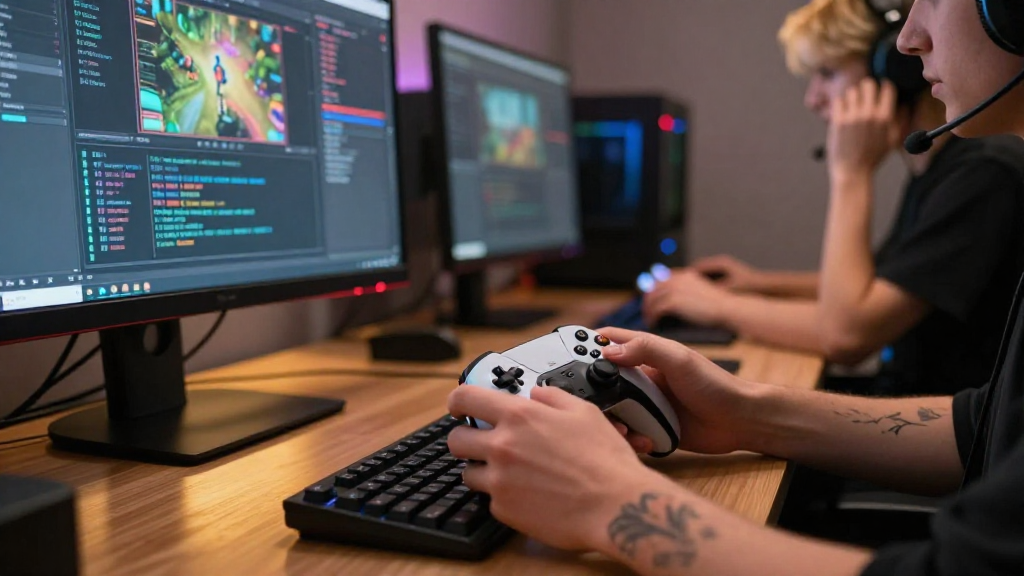
Updating a game can be a risky venture if not approached with caution.
In this article, we’ll discuss how to update your game effectively while minimizing the potential for errors or crashes.
What Should You Consider Before Updating Your Game?
Before diving into the update process, several factors need careful consideration to ensure a smooth transition:
-
Backup Your Game Files
Always create a backup of the original game files before making any updates.
This ensures you can revert back if something goes wrong. -
Read Change Logs
Updates often come with change logs that list what is new or fixed.
Familiarizing yourself with these changes can help you anticipate potential issues. -
Test Your Environment
Ensure that your gaming system or platform is compatible with the new updates.
This includes verifying system requirements and updates for drivers. -
Gather Feedback from the Community
Engaging with your player community can provide insights on potential bugs.
Look for forums or social media groups where players discuss updates. -
Check for Compatibility Issues
Ensure your game is compatible with any mods or third-party plugins you are using.
Updates can occasionally break these additions.
How to Update Your Game Without Causing Issues?
Once you’ve prepared adequately, you’re ready to update your game. Here are the best practices for an efficient update process:
-
Staggered Rollouts
If you’re an indie developer, consider releasing updates in smaller increments.
This can help contain bugs and reduces the number of players affected by any major issues. -
Use Version Control Systems
Implement version control systems like Git.
This provides a systematic backup and rollback feature for all code changes. -
Conduct Thorough Testing
After updating, run thorough tests to ensure everything functions correctly.
Test not only the main gameplay but also focus on edge cases and corners that players may encounter. -
Establish a Beta Testing Group
Before fully releasing an update, organize a beta testing group.
This allows a limited audience to test changes and provide real-time feedback. -
Monitor Post-Update Feedback
After the update is live, monitor player feedback closely.
Addressing any immediate issues with a hotfix can maintain player trust and satisfaction.
Why is Backward Compatibility Important?
Backward compatibility means that an update does not adversely affect existing game saves, mods, or features.
When updating your game, consider the following:
-
Player Retention
Players are less likely to abandon your game if they can pick up where they left off after an update. -
Enhanced Experience
Ensuring that existing content works seamlessly with the new update enhances overall player experience. -
Community Trust
Maintaining backward compatibility builds community trust.
Players appreciate when game developers prioritize their current enjoyment.
What Tools Can Assist You in Updating Your Game Safely?
Several tools can help manage and streamline the process of updating your game.
Here are some useful ones:
-
Version Control Systems (like Git)
Essential for tracking changes and enabling easy rollbacks. -
Automated Testing Tools
Such as Jenkins or Travis CI can significantly speed up the testing process. -
Game Analytics Software
Tools like Unity Analytics or Google Analytics can help track player behavior post-update.
Use this data to identify and fix issues quickly. -
Community Feedback Platforms
Platforms such as Discord or Reddit can facilitate interaction with your player base.
Use these to gain insight into bugs and player preferences.
How Do You Communicate Updates to Your Players?
Effective communication is key to enhancing player experience and trust.
When updating your game, ensure you:
-
Provide Detailed Patch Notes
Share comprehensive change logs outlining the updates, fixes, and any issues the update addresses. -
Use Social Media
Regularly update your audience using platforms like Twitter, Facebook, and Instagram.
Consider using videos or live streams to showcase new features. -
Engage with Your Community
Create channels for feedback and discussion about the updates, allowing players to voice their concerns.
Being transparent about your update process can help alleviate fears.
How to Handle Bugs After Your Update?
Unfortunately, bugs may still appear after an update.
Here’s how to address them efficiently:
-
Prioritize Bugs by Severity
Not all bugs are equal.
Identify critical issues versus minor glitches and prioritize fixes accordingly. -
Communicate with Players
Inform your community about known issues and what you’re doing to address them. -
Roll Out Hotfixes Quickly
For serious bugs, a hotfix may be necessary.
Act swiftly to restore the game’s functionality and reassure players. -
Gather Player Feedback Post-Fix
After implementing a fix, solicit feedback to confirm that the issues have been resolved.
Conclusion: How to Update Your Game Successfully
Understanding how to update your game without breaking it is crucial for developers and players alike.
By carefully preparing for updates, conducting thorough testing, maintaining backward compatibility, and effectively communicating with your community, you can significantly reduce the risk of introducing new problems.
Updating doesn’t have to be a stressful experience.
With these best practices, you can ensure a smooth transition, leading to a better gaming experience for everyone.
Happy gaming, and may your updates be bug-free!
