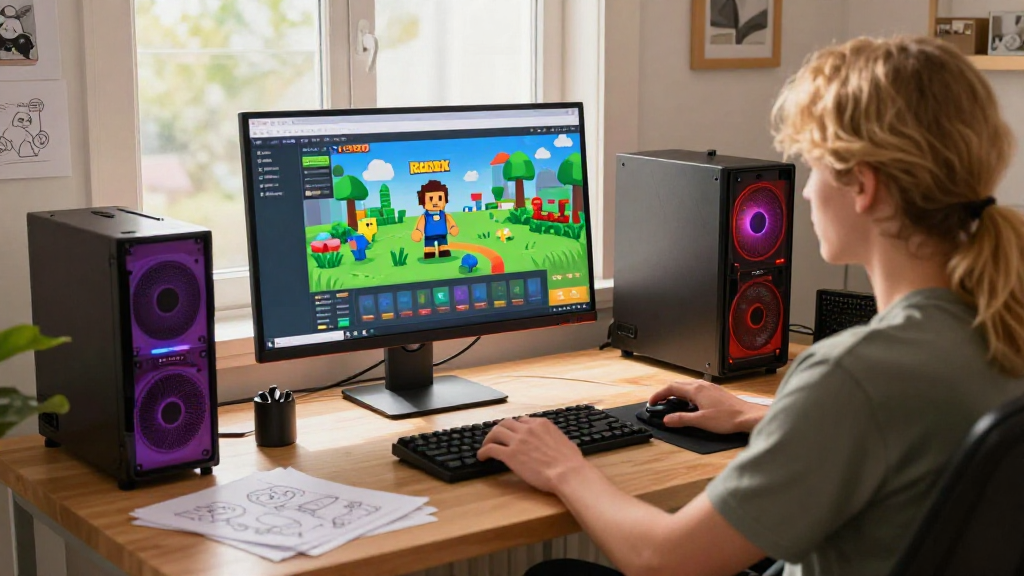
Are you curious about how to build a game in Roblox?
Roblox provides an incredible platform for aspiring game developers to unleash their creativity and build engaging experiences for players around the world—all for free!
What is Roblox and Why Build a Game on It?
Roblox is not just a game;
it’s a comprehensive game creation system and an online platform that allows users to develop and play games created by other users.
Here are a few reasons why you should consider building a game on Roblox:
- Accessibility: You don’t need to be a coding expert.
- Community: It’s backed by millions of users and developers.
- Monetization: You can earn money through in-game purchases.
- Resources: Extensive tutorials and a supportive community are available.
By learning how to build a game in Roblox, you’re not just creating entertainment; you’re also gaining valuable skills that are highly sought after in the tech industry.
What Do You Need to Get Started?
Before you dive into how to build a game in Roblox, ensure you have the following:
-
A Roblox Account:
– Sign up for free at the Roblox website. -
Roblox Studio:
– Download and install Roblox Studio.
– This is the primary tool for creating your games. -
Basic Understanding of Game Design:
– Familiarize yourself with fundamental game design principles. -
A Willingness to Learn:
– Game development is a learning process; be open to experimenting!
How Can You Start Making Your Game?
Once you have everything in place to learn how to build a game in Roblox, here’s what you should do next:
Step 1: Open Roblox Studio
- Launch Roblox Studio from your desktop or start menu.
- Select a Template:
– Start with a pre-made template or a blank baseplate.
Step 2: Familiarize Yourself with the Interface
Understanding the layout can ease the process of how to build a game in Roblox.
- Explorer Panel: Displays your game’s elements.
- Properties Panel: Allows you to modify the attributes of selected elements.
- Toolbox: Contains free models, scripts, and more.
Step 3: Create Your Game Environment
Building the environment is one of the most fun aspects of how to build a game in Roblox.
- Terrain: Use Terrain tools to sculpt landscapes, add hills, rivers, and more.
- Models: You can find free models in the Toolbox to incorporate into your game.
- Lighting: Adjust lighting settings to create different moods or times of day.
Step 4: Add Gameplay Elements
Now that your environment is set, focus on making it interactive.
- Scripts: Use Lua programming to add custom functions. You can use simple scripts to control game mechanics like character interactions or game events.
- Parts and Objects: Insert various parts like bricks, spheres, or scripts to enhance your game’s functionality.
- User Interface (UI): Customize menus, health bars, and scoreboards to improve the user experience.
Step 5: Test Your Game
Testing is an essential step in learning how to build a game in Roblox.
- Click on the Play button in Roblox Studio to test the game directly.
- Invite friends to test the game and give you feedback.
- Debug any issues and adjust gameplay mechanics based on feedback.
Step 6: Publish Your Game
Once you’re satisfied with your creation, it’s time to share it with the world:
- Click on File and select Publish to Roblox As.
- Fill out the game title, description, and game settings.
- Manage the game’s permissions—you can choose whether it’s public, friends-only, or private.
Step 7: Monetize Your Game (Optional)
If your game starts to gain traction, consider monetization options:
- Game Passes: Create special features or perks that players can purchase.
- In-Game Currency: Implement a currency system that encourages players to spend Robux.
- Advertisements: Collaborate with other developers to showcase their games.
How Can You Continue to Improve Your Skills?
Learning how to build a game in Roblox is just the beginning. Here are some resources to help you grow:
- Roblox Developer Hub: Official documentation with tutorials.
- YouTube Tutorials: Channels dedicated to Roblox development.
- Forums and Communities: Engage with other developers on platforms like Reddit and Discord.
Tips for a Successful Game Development Journey
- Start Small: Begin with simple games to grasp the fundamentals.
- Iterate Based on Feedback: Use player feedback to enhance your game.
- Stay Updated: Follow Roblox updates to utilize new features.
Conclusion
Building a game in Roblox is a gratifying experience, allowing you to express creativity while gaining technical skills.
By following this guide on how to build a game in Roblox, you are well on your way to creating a game that captures the imagination of players around the world.
Remember, it’s all about experimenting, learning, and having fun! So, gear up, dive into Roblox Studio, and let your game development journey begin!
