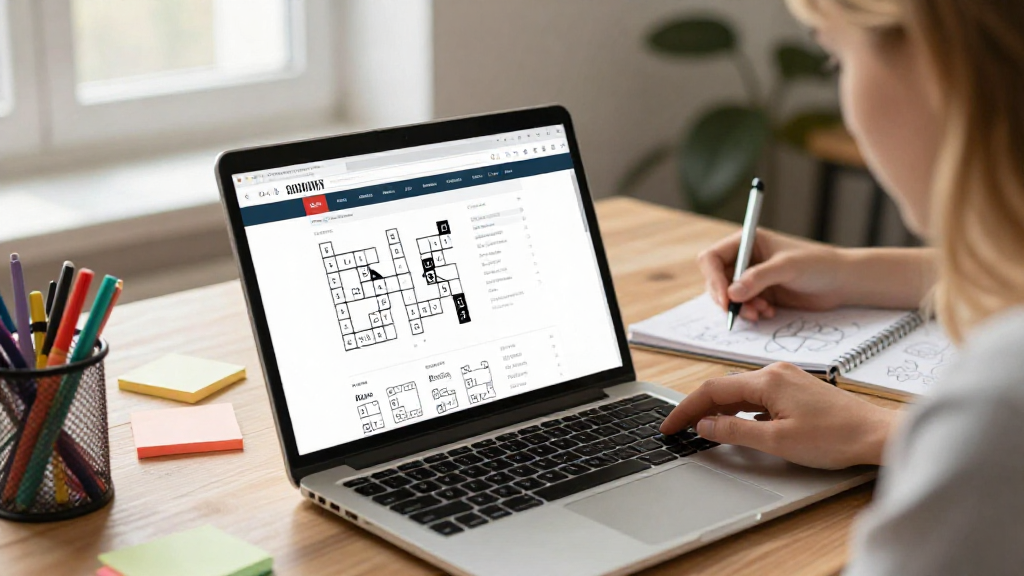
If you’re looking for a fun and engaging activity, learning how to make a crossword puzzle can be a rewarding experience.
Creating your own crossword puzzle not only boosts creativity but also sharpens your problem-solving skills.
In this article, we will guide you through the process of how to make a crossword puzzle online, offering step-by-step instructions and tips for a seamless experience.
What Do You Need to Get Started?
Before diving into the creation of your crossword puzzle, gather the necessary resources. Here’s what you’ll need:
- A Theme: Decide on a theme to make your puzzle more interesting. Themes can range from pop culture, history, or even a specific hobby.
- Word List: Compile a list of words related to your chosen theme.
- Clues: Create clues for each word. These could be definitions, synonyms, or fun facts.
- Online Tools: Access online crossword puzzle makers that suit your needs and preferences.
How to Make a Crossword Puzzle Online Step-by-Step
Now that you are prepared with your materials, follow these steps on how to make a crossword puzzle online:
1. Choose a Crossword Puzzle Maker
There are several online crossword puzzle makers available that simplify the process. Some popular options include:
- Crossword Labs: Intuitive interface, perfect for beginners.
- EclipseCrossword: Allows for more advanced customization.
- Activity Village: Great for educational purposes.
- Puzzlemaker by Discovery Education: Ideal for students and teachers.
Explore these platforms, and choose one that aligns with your needs.
2. Set Up Your Puzzle
Once you’ve chosen your puzzle maker, follow these steps:
- Create an Account: Depending on the platform, you might need to sign up for a free account.
- Select Puzzle Size: Decide on the dimensions of your puzzle. Generally, crossword puzzles range between 10×10 to 15×15 squares.
- Enter Your Words: Input your words into the provided field. Online tools usually allow bulk input, making this step quick and easy.
3. Add Clues
For every word in your puzzle, you’ll need to create clues. Here’s how:
- Match Your Clues to the Words: Ensure the clues accurately reflect the words you’ve chosen.
- Be Creative: Instead of straightforward definitions, consider using riddles or synonyms for added intrigue.
- Categorize Clues: Group your clues into categories based on your theme. This not only organizes your thoughts but makes the puzzle more coherent.
4. Customize Your Puzzle’s Appearance
Most online crossword puzzle makers allow for several customization options. Here are some features to consider:
- Font Style and Size: Select a legible font that is suitable for your audience.
- Color Scheme: Choose colors for the grid and background that enhance readability.
- Borders and Grids: Adjust the thickness of the grid lines for visual clarity.
5. Preview Your Crossword Puzzle
After inputting your words and clues, it’s essential to preview the result before finalizing.
- Check for Errors: Look for any spelling mistakes or incorrect clues that might confuse the players.
- Test the Puzzle Yourself: Solve your crossword to ensure it works as intended. This helps in identifying tricky clues or unforeseen challenges.
How to Share Your Crossword Puzzle
Creating your crossword puzzle is just the beginning. The next step is sharing it with others.
Here’s how you can effectively share your creation:
1. Download or Print the Puzzle
Most online tools offer options to download or print your crossword puzzle.
- PDF Format: A good option if sharing digitally.
- Print for Classroom Use: Perfect for educators or club leaders to distribute physically.
2. Share Online
If you want to reach a broader audience, consider sharing the puzzle online.
- Social Media: Post your puzzle on platforms like Facebook, Twitter, or Instagram.
- Puzzles on Websites or Blogs: Consider embedding your crossword using the provided HTML link from the puzzle maker.
3. Use Puzzle Apps
Several apps enable puzzle sharing for users who prefer mobile devices.
- Explore apps like Crossword Constructor or Crossword Puzzle Free to publish your puzzle and gather feedback.
Tips for Creating an Engaging Crossword Puzzle
Crafting the perfect crossword puzzle involves more than just placing words in a grid. Here are some tips to ensure your puzzle is both fun and challenging:
- Vary Word Lengths: Incorporate words of different lengths to keep players engaged.
- Balance Difficulty: Mix easy and hard clues to cater to varied skill levels.
- Avoid Obscure Words: Stick to common words or terms that fit your theme. Mad puzzle lovers might enjoy a challenge, but don’t go too obscure!
- Test with Friends: Before publishing, give it a trial run with a few friends. Their feedback could be invaluable in refining your puzzle.
Why Should You Make a Crossword Puzzle?
Learning how to make a crossword puzzle is not just about fun and games; it also carries several benefits.
- Enhances Vocabulary: Engaging with clues and answers expands your word knowledge.
- Encourages Critical Thinking: You’ll need to think creatively and logically as you construct the puzzle.
- Great for Social Interactions: Sharing your puzzle brings friends and family together, fostering friendly competition.
Conclusion
Now that you understand how to make a crossword puzzle online, you have the tools to get creative and challenge your intellect.
From choosing a theme to sharing your completed puzzle with friends, the process is both enjoyable and rewarding.
Remember to keep your audience in mind and adjust your clues and word selections accordingly.
So, gather your materials, choose an online crossword puzzle maker, and begin crafting your own unique puzzle masterpiece today!
Whether for personal use, educational purposes, or even just for fun, creating a crossword puzzle can be an extremely fulfilling activity.
Get started, and see how your newfound skills can entertain and inspire others!
