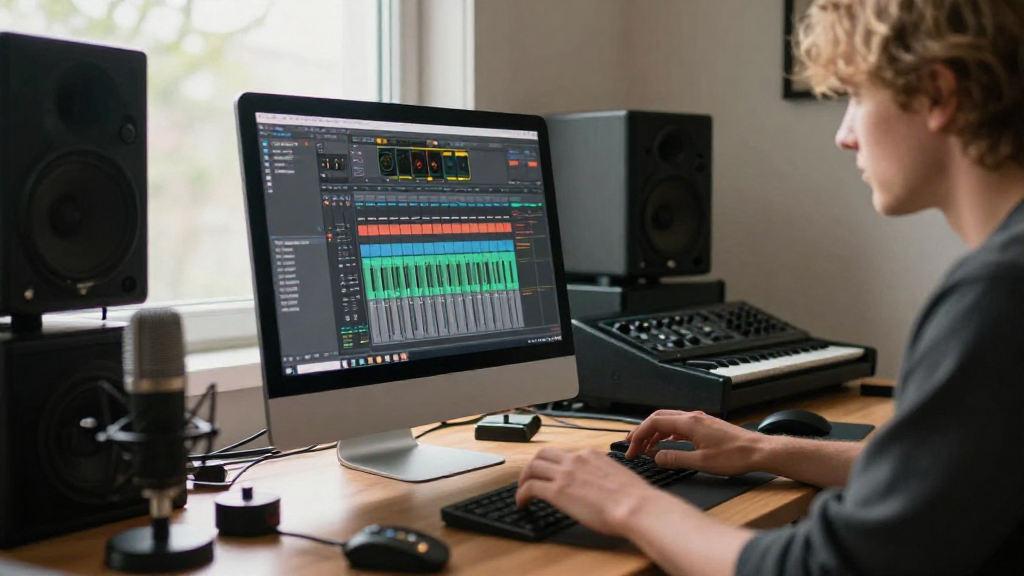
Creating immersive and engaging sound effects for games is a crucial component of game development.
In this article, we will explore how to make sound effects for games, from the tools you’ll need to the techniques that will elevate your audio design.
Why Are Sound Effects Important for Games?
Sound effects are not just decorative; they play a pivotal role in enhancing the gaming experience.
Here are some reasons why understanding how to make sound effects for games is essential:
- Immersion: Good sound effects draw players into the game world.
- Feedback: Sounds inform players about in-game actions, confirming actions or providing alerts.
- Atmosphere: They help set the mood, whether it’s a spooky ambiance or high-energy action.
- Character: Unique sounds can define characters and environments, making them memorable.
What Tools Do You Need?
To effectively learn how to make sound effects for games, you’ll need a set of tools that can simplify your workflow.
Here’s a list of essential tools:
1. Digital Audio Workstation (DAW)
A DAW is crucial for recording, editing, and mixing your audio. Popular choices include:
- Audacity (free)
- FL Studio
- Ableton Live
- Logic Pro
2. Microphone
A quality microphone is vital for capturing high-fidelity sounds. Consider:
- Dynamic Microphones for loud sounds.
- Condenser Microphones for capturing nuanced, soft sounds.
3. Audio Interface
An audio interface helps connect your microphone to your computer and improves sound quality.
4. Sound Libraries
Having access to royalty-free sound libraries can save you time and provide inspiration:
- Freesound.org
- Soundsnap.com
- SoundBible.com
5. Plugins and Effects
Explore free and paid plugins to create versatile sound effects. They can help achieve desired audio characteristics.
How Can You Create Your Own Sound Effects?
Now that you have the tools, let’s delve into techniques on how to make sound effects for games.
1. Record Sounds
Recording real-life sounds can add authenticity.
Here’s how to get started:
-
Choose Your Environment: Select a silent room or an outdoor location based on the sound you want to create.
-
Use Proper Gear: Utilize your microphone and audio interface.
-
Experiment: Try different objects (e.g., crumpling paper for a rustling sound, tapping a glass for a tinkling effect).
2. Use Foley Techniques
Foley is the art of creating sound effects in post-production.
To make use of Foley:
-
Gather everyday objects (e.g., shoes on different surfaces).
-
Record sounds while mimicking in-game actions (walking, jumping).
-
Sync the sounds to the game footage later.
3. Synthesize Sounds
You can also create sounds from scratch using sound synthesis.
Key techniques include:
-
Subtractive Synthesis: Start with a rich waveform and cut frequencies.
-
Additive Synthesis: Combine multiple sine waves to create a complex sound.
4. Manipulate Existing Sounds
Modify sound files you’ve recorded or sourced from libraries.
Utilize effects such as:
-
Reverb: To simulate different environments (like caves or open fields).
-
Pitch Shifting: To create variations and surprises.
-
Time Stretching: To lengthen or shorten sounds.
How to Implement Sound Effects in Your Game?
Once you have your sound effects, it’s time to implement them into your game.
1. Choose Your Game Engine
The game engine you’re using will dictate how you implement your audio.
Popular game engines include:
-
Unity: Supports various audio formats and has a robust audio mixer.
-
Unreal Engine: Offers advanced audio capabilities and an audio engine.
2. Import Your Sounds
Import your sound files into the game project. Be mindful of format compatibility (WAV, MP3, OGG).
3. Setup Events and Triggers
Define how and when sound effects will play.
Use events and triggers such as:
-
Collision events (when a character hits an enemy).
-
Timed events (background music on a countdown).
4. Test and Refine
Finally, test your sound effects in the context of gameplay.
-
Ensure that sound levels are balanced.
-
Gather feedback from playtesters to refine audio quality.
How Can You Learn More About Sound Design?
If you’re serious about mastering how to make sound effects for games, consider these resources:
1. Online Courses
Enroll in online courses that specialize in game audio design.
Platforms like:
- Udemy
- Coursera
offer valuable insights into sound design.
2. Books
Books on sound design can provide deeper theoretical understanding. Notable mentions:
- The Sound Effects Bible by Ric Viers
- Game Audio Implementation by Ryan C. O’Donnell
3. Community Engagement
Join forums or social media groups:
-
Reddit communities like r/gamedev or r/GameAudio.
-
Facebook Groups focused on game development audio.
Conclusion
Learning how to make sound effects for games can be both exciting and challenging.
By integrating your own sounds into gaming experiences, you contribute to a more captivating player journey.
Here’s a quick recap:
-
Understand the Importance of Sound: Sound effects enhance immersion, feedback, and atmosphere.
-
Invest in Tools: A good DAW, microphone, and plugins are essential.
-
Explore Techniques: Record, synthesize, and manipulate sounds to create unique effects.
-
Implement Effectively: Use your game engine to integrate sounds seamlessly.
Embrace the power of sound, start your adventure in audio design, and transform your games with captivating sound effects!
