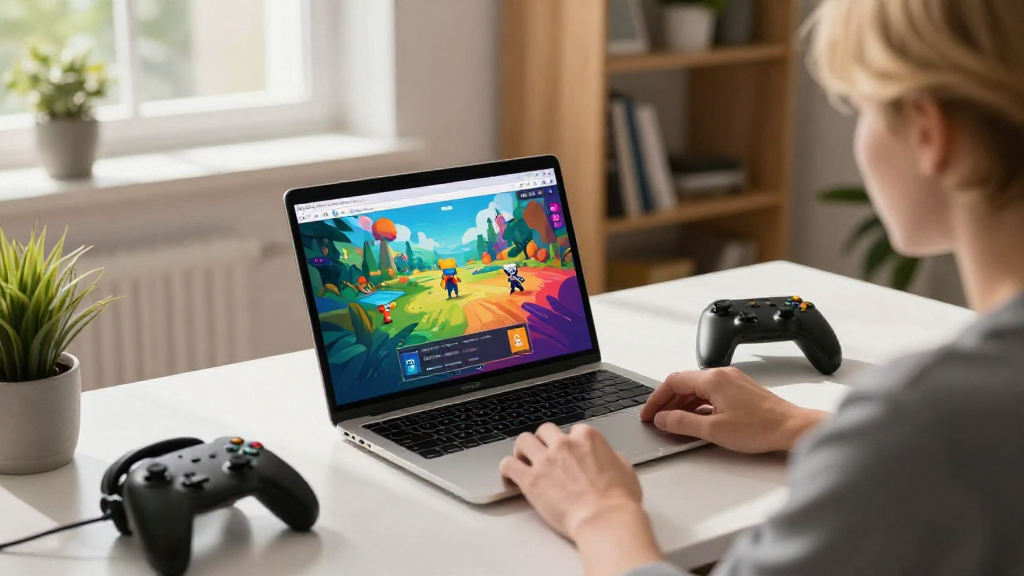
In the age of digital entertainment, many people are curious about how to play browser games easily and effortlessly.
Whether you’re at home or on the go, browser games offer a fantastic way to enjoy gaming without the need for downloads or high-end hardware.
In this article, we’ll explore everything you need to know about how to play browser games in any browser.
What Are Browser Games?
Browser games are games played directly in web browsers, without any need for external downloads or installations.
These games can vary widely in type, including:
- Action Games: Fast-paced games that require quick reflexes.
- Puzzle Games: Challenges that test your logic and problem-solving skills.
- Strategy Games: Games where you plan your moves to achieve victory.
- Multiplayer Games: Games that allow you to compete or cooperate with other players online.
With so many genres available, it’s easy to find something that suits your taste!
Which Browsers Are Best for Playing Games?
When learning how to play browser games, it’s essential to choose the right browser.
Some browsers perform better than others when it comes to gaming. Here are some popular options:
- Google Chrome: Known for its speed and vast support for gaming frameworks.
- Mozilla Firefox: Offers strong performance and privacy features, making it a solid choice.
- Microsoft Edge: Built on Chromium, it has improved features for web gaming.
- Safari: Optimized for Apple devices, it performs well on Macs and iPads.
While these are some of the best browsers to use, many games also run on other browsers. Most modern browsers support WebGL and HTML5, which are essential for running browser games efficiently.
What Do You Need to Play Browser Games?
To start playing browser games, you will need:
- A device (desktop, laptop, tablet, or smartphone).
- A reliable internet connection for seamless gameplay.
- A compatible web browser (as discussed above).
- Flash Player (for some older games, though many have transitioned away from it).
After ensuring you have the above, you’re ready to dive into the gaming world.
How to Find Browser Games?
Now that you know the requirements, let’s explore how to find browser games worth playing.
There are numerous platforms and websites dedicated to browser gaming. Here’s where you can start:
- Online Gaming Portals: Websites like Miniclip, Kongregate, and Armor Games offer vast libraries of browser games.
- Social Media Platforms: Facebook and similar sites feature many browser-based games.
- Game Review Sites: Platforms like IGN and Kotaku regularly feature new and popular browser games.
- Gaming Forums: Communities like Reddit often share recommendations and highlight hidden gems.
These resources will help you discover exciting new games and keep you entertained for hours.
How to Optimize Your Browser for Gaming?
Optimizing your browser can enhance the gaming experience significantly. Here are some tips on how to play browser games more effectively:
1. Disable Unnecessary Extensions
Extensions can slow down your browser and affect game performance. Consider disabling:
- Ad blockers: Some games may not function correctly with ad blockers on.
- Tools unrelated to gaming: Only keep extensions that enhance your gaming experience.
2. Clear Your Cache and Cookies
Regularly clearing your browser’s cache and cookies can improve performance.
3. Enable Hardware Acceleration
Most modern browsers have a hardware acceleration feature.
Enabling this can improve graphics performance in games by using your device’s GPU.
4. Keep Your Browser Updated
Regular updates ensure that you have the latest features and security patches.
Can You Play Browser Games Offline?
While most browser games require an internet connection, some can be played offline.
Developers provide offline features for specific games, often through HTML5 technology, which allows a limited gaming experience without connectivity.
To check if your favorite game has an offline mode, you can:
- Look for an offline download option on the game’s website.
- Explore browser extensions that enable playing selected games offline.
What Are the Risks of Playing Browser Games?
Like any online activity, playing browser games comes with certain risks. Here are some tips to stay safe:
- Avoid suspicious websites: Stick to well-known gaming portals to reduce security risks.
- Watch out for in-game purchases: Some games might prompt you to buy items or upgrades.
- Be cautious about personal information: Never share sensitive data on gaming sites.
By keeping these precautions in mind, you can enjoy a safer gaming experience.
How to Share Your Gaming Experience?
After mastering how to play browser games, consider sharing your experience with others!
There are various ways to do this:
- Join Gaming Communities: Share your achievements or ask for game advice on platforms like Discord or Reddit.
- Create Content: Start a blog, YouTube channel, or Twitch stream focused on browser games.
- Participate in Online Tournaments: Many gaming platforms host tournaments that provide a fun way to showcase your skills while meeting fellow gamers.
Sharing tips or reviews will not only enrich your community but also enhance your overall gaming experience.
How to Troubleshoot Common Issues?
While learning how to play browser games, you may encounter problems. Here’s how to troubleshoot them:
- Game Won’t Start: Ensure your browser is updated and that you have a stable internet connection.
- Lag Issues: Closing unnecessary tabs can improve your game’s performance.
- Crashing Game: Make sure hardware acceleration is enabled; consider lowering in-game graphic settings.
By being proactive and troubleshooting, you can enhance your gaming sessions significantly.
Conclusion
Understanding how to play browser games opens doors to a world of entertainment and fun.
Remember:
- Choose the right browser and optimize your settings for the best experience.
- Find games through dedicated websites, gaming forums, and social media.
- Stay safe online by avoiding suspicious sites and protecting your personal information.
With these tips, you’ll be well on your way to enjoying the vast landscape of browser gaming, and you’ll never run out of games to explore and enjoy! Happy gaming!
